



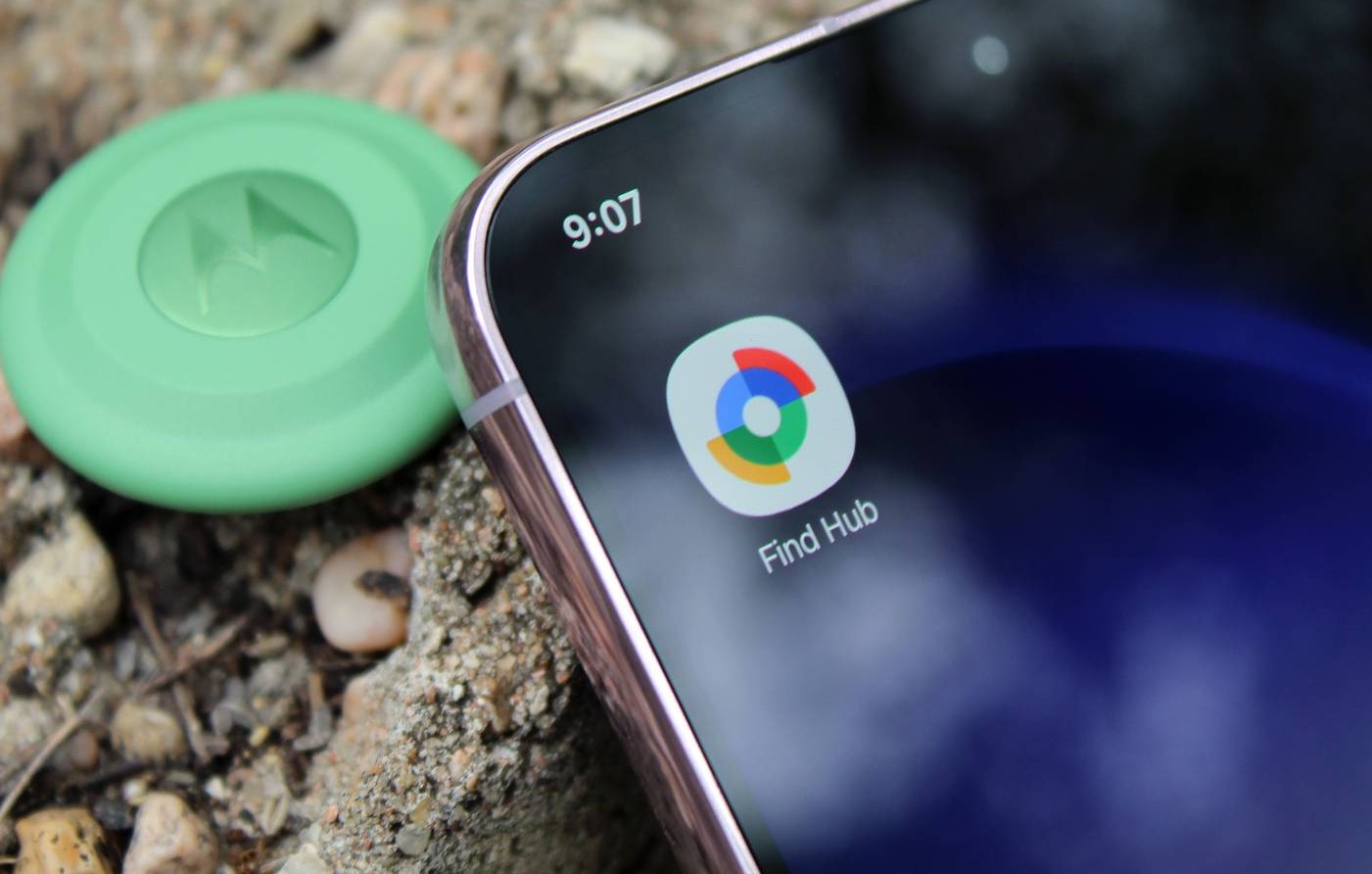
Google has quietly removed the biometric authentication requirement from its Find Hub app on Android devices. The change means users no longer need to verify their identity using a fingerprint, face scan, or PIN every time they open the app to view their devices or shared locations.
The update is being rolled out through a server-side change, so users may notice the new behavior without installing a new version from the Play Store.
What Has Changed
Previously, Find Hub required biometric verification whenever users opened the app to access the Devices or People tabs. This added an extra security layer to protect sensitive location data.
With the latest change:
- The app opens directly once your phone is unlocked
- You can immediately see your devices or shared locations
- Biometric verification is no longer required for every launch
However, the app may still request authentication after periods of inactivity or when you sign out and sign back in.
Why Google Made the Change
Google appears to have removed the feature to make the app faster and easier to use when tracking lost devices.
Find Hub is designed for situations where users are already stressed — such as losing a phone, earbuds, or tracker. Having to authenticate repeatedly slowed down the process.
By removing the extra step, users can:
- Quickly locate a lost phone or accessory
- Check the location of family members
- Play sounds on misplaced devices faster
This change also aligns Find Hub with similar services like Apple’s Find My, which opens immediately once the phone itself is unlocked.
Security Concerns
The removal of biometric checks has raised some security concerns among experts.
Previously, the extra authentication prevented anyone holding an unlocked phone from viewing device locations. Without it, someone with temporary access to the phone could potentially check tracked devices or shared locations.
However, Google still relies on the phone’s screen lock as the primary security layer.
Experts recommend users:
- Use a strong screen lock or password
- Set a short auto-lock timer
- Avoid sharing unlocked phones
These steps can help reduce the risk of unauthorized access.
About Google Find Hub
Find Hub is Google’s device-tracking service that replaced the earlier Find My Device system. The platform allows users to locate Android phones, tablets, earbuds, smartwatches, and compatible tracker tags on a map.
Key features include:
- Locating lost devices on a map
- Playing a sound to find nearby gadgets
- Remotely locking a device
- Erasing data if a phone is stolen
The service works across the Android ecosystem and uses signals from nearby devices to help locate lost items.
Conclusion
Google’s decision to remove biometric authentication from the Find Hub app reflects a shift toward faster and more convenient device tracking. While the change reduces friction for users trying to locate lost devices quickly, it also removes an extra layer of security.
For most users, the phone’s built-in lock screen will remain the main protection against unauthorized access. Still, the update highlights the ongoing balance between security and convenience in modern mobile apps.