




Samsung has introduced a new security feature for its Samsung Galaxy smartphones that automatically restarts the device if it remains locked and unused for 72 hours. The feature, called “Inactivity Restart,” aims to enhance device security and protect sensitive data if a phone is lost or stolen.
This new capability has started appearing in recent software updates and is gradually rolling out to several Galaxy devices.
What Is the “Inactivity Restart” Feature?
“Inactivity Restart” is a security function that automatically reboots a Galaxy phone after three consecutive days of inactivity while the device remains locked.
The feature works in the background and monitors how long the device has been locked. If the phone is not unlocked within the 72-hour period, it restarts itself automatically.
After the reboot, the phone enters a more secure state where access to many functions is restricted until the owner unlocks it using their PIN, password, pattern, or biometrics.
Why Samsung Added This Feature
The primary purpose of this feature is data protection. When a smartphone is restarted, it returns to a security state where most personal data remains encrypted until the device is unlocked.
This helps prevent unauthorized access if someone finds or steals the phone.
Once the phone restarts:
- Notifications from some apps may be hidden
- Caller details might not appear
- Fingerprint unlocking may be temporarily disabled
- The device requires a password or PIN to access data
This security state ensures that personal information remains protected even if the device falls into the wrong hands.
How the Feature Works
The system follows a simple process:
- The countdown begins when the phone is locked.
- Each time the device is unlocked, the timer resets.
- If the phone stays locked for 72 hours straight, it automatically restarts.
- After rebooting, the phone requires authentication before normal functions resume.
This means the restart will only happen if the phone remains unused and locked for the entire three-day period.
Where to Find the Setting
Users can enable or disable this feature in their phone settings.
To check it:
Settings → Security and Privacy → More Security Settings → Inactivity Restart
Once enabled, the phone will automatically restart if it remains inactive for the specified period.
Which Galaxy Phones Support It
The feature has started appearing in some devices through recent software updates, including:
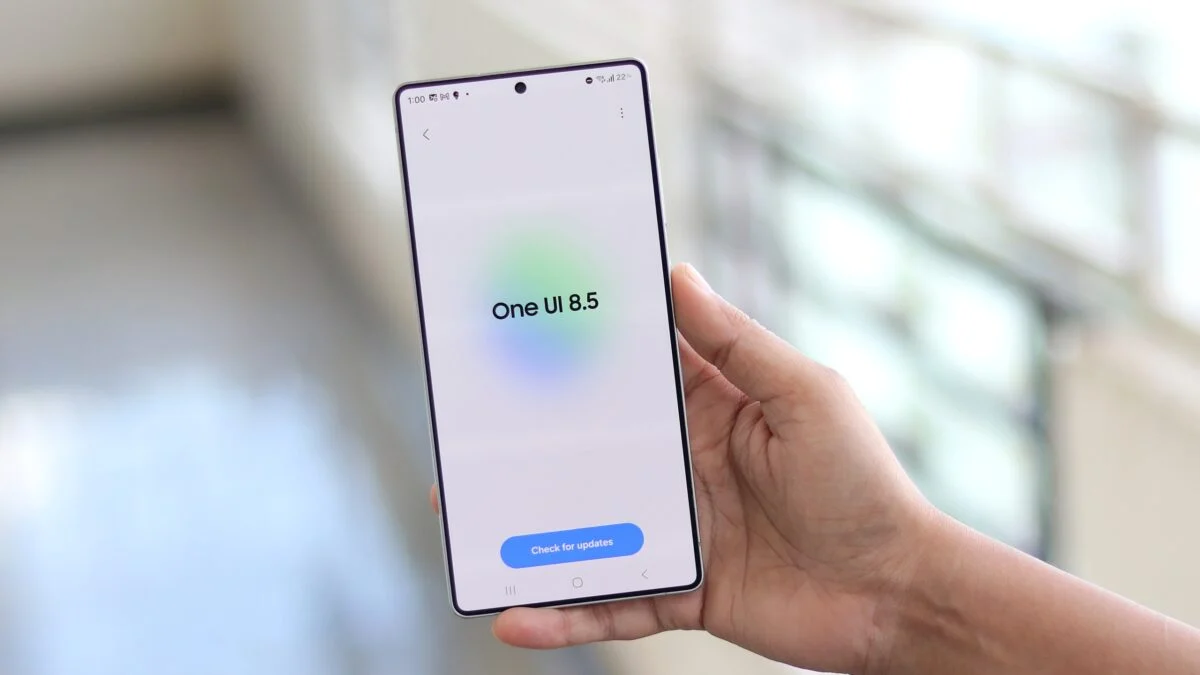
- Galaxy S25 series (with One UI 8.5 beta)
- Galaxy Z Fold 7
- Some Galaxy S26 devices receiving new firmware updates
The rollout is expected to expand to more Galaxy models over time.
Inspired by Android Security Improvements
Samsung’s feature builds on a similar security function introduced in Android itself. Some Android devices already support automatic reboot after extended inactivity as part of system security updates.
The idea behind this mechanism is to return the device to a more secure encryption state, making it harder for attackers to access data.
Benefits of Automatic Restart
The new feature offers several advantages for users:
1. Stronger Data Protection
Restarting the phone places it in a more secure state where data remains encrypted until the owner unlocks it.
2. Reduced Risk if Phone Is Lost
If a phone is misplaced or stolen and left unused for several days, the auto-restart adds another layer of protection.
3. Improved System Stability
Occasional restarts can also help clear temporary system issues and improve performance.
Optional Feature for Users
Samsung has made the feature optional, meaning users can choose whether to enable or disable it.
Some people may prefer leaving it off if they rarely restart their phones, while others may want the added security benefit.
Growing Focus on Smartphone Security
Smartphone manufacturers are increasingly adding new security layers as devices store more personal data, including financial information, photos, messages, and work documents.
Features like automatic restart, stronger encryption, and biometric authentication are becoming essential tools to protect user privacy.
In summary:
Samsung Galaxy phones are gaining a new “Inactivity Restart” security feature that automatically restarts the device after 72 hours of inactivity. The reboot places the phone in a more secure state, helping protect personal data if the device is lost or stolen.
The feature is currently rolling out through software updates and can be enabled in the phone’s Security and Privacy settings.